"Settings: Client"
What Volt sends to connected Roblox clients, multi-instance, the decompiler and Save Instance defaults.
The Client settings go to the Roblox clients connected to Volt. Most take effect when a client connects, so after changing them, rejoin or relaunch your clients. Client has four pages, listed under it on the left: General, Multi-Instance, Decompiler and Save Instance.
General
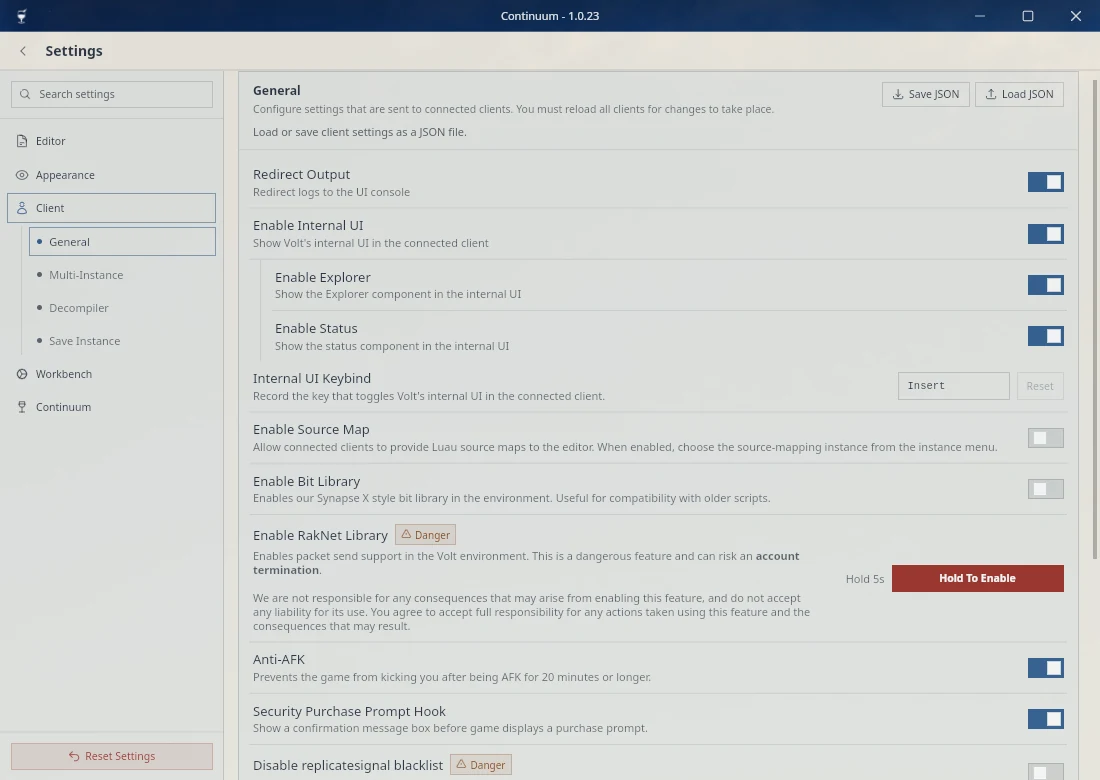
Save JSON and Load JSON, at the top, save all client settings to a file and load them back, to move them between machines or keep a known-good set.
| Setting | What it does | Default |
|---|---|---|
| Redirect Output | Sends the client's output to its terminal in Volt | On |
| Enable Internal UI | Shows Volt's own interface inside the game | On |
| Enable Explorer | The internal UI's explorer of the game's instances | On |
| Enable Status | The internal UI's status panel | On |
| Internal UI Keybind | The key that shows and hides the internal UI in game | Insert |
| Enable Source Map | Lets a client send Luau source maps to the editor; choose which client under Source map in the instance selector | Off |
| Enable Bit Library | A Synapse X style bit library, for older scripts that need it | Off |
| Enable RakNet Library | Packet sending from scripts. Hold the button to enable it | Off |
| Anti-AFK | Stops Roblox kicking you after 20 minutes idle | On |
| Security Purchase Prompt Hook | Asks you to confirm before a game shows a purchase prompt | On |
| Disable replicatesignal blacklist | Lets replicatesignal fire every signal. Leave it alone unless you know why you need it | Off |
| HWID Seed | See below | Random |
| Per-Account HWID Seed | See below | Off |
| Unlock Window Size | Lets you resize the Roblox window freely, below 800×600 too | Off |
| Disable Set Foreground Window | Stops Roblox pulling its window to the front when it starts | On |
| Disable Minimize to Tray | Roblox closes instead of staying in the tray when you close its window | On |
To record the Internal UI Keybind, click the key button, then press the key; Cancel keeps the old one and Reset goes back to Insert.
HWID Seed
Roblox reads identifiers from your hardware. The HWID seed changes the ones the client and Volt's emulator report, so they are not your machine's real ones. Randomize picks a new seed; Current seed shows the one in use. A new seed makes your machine look like a different one to Roblox.
Per-Account HWID Seed
Turned on, each Roblox account gets its own seed, made from the HWID seed above and the account, so every account keeps the same identity between launches and none share one. It works when Volt knows the account before the client starts:
- launches from the Account Manager;
- game links from the browser or another account manager, with Roblox Links on.
A plain Launch from Home keeps the main seed, because Volt cannot know which account the Roblox app will sign in with. HWID Seed then shows the seed actually in use. Randomize still changes the main seed, from which every account's is made; turning the option off restores the main seed.
Multi-Instance
| Setting | What it does | Default |
|---|---|---|
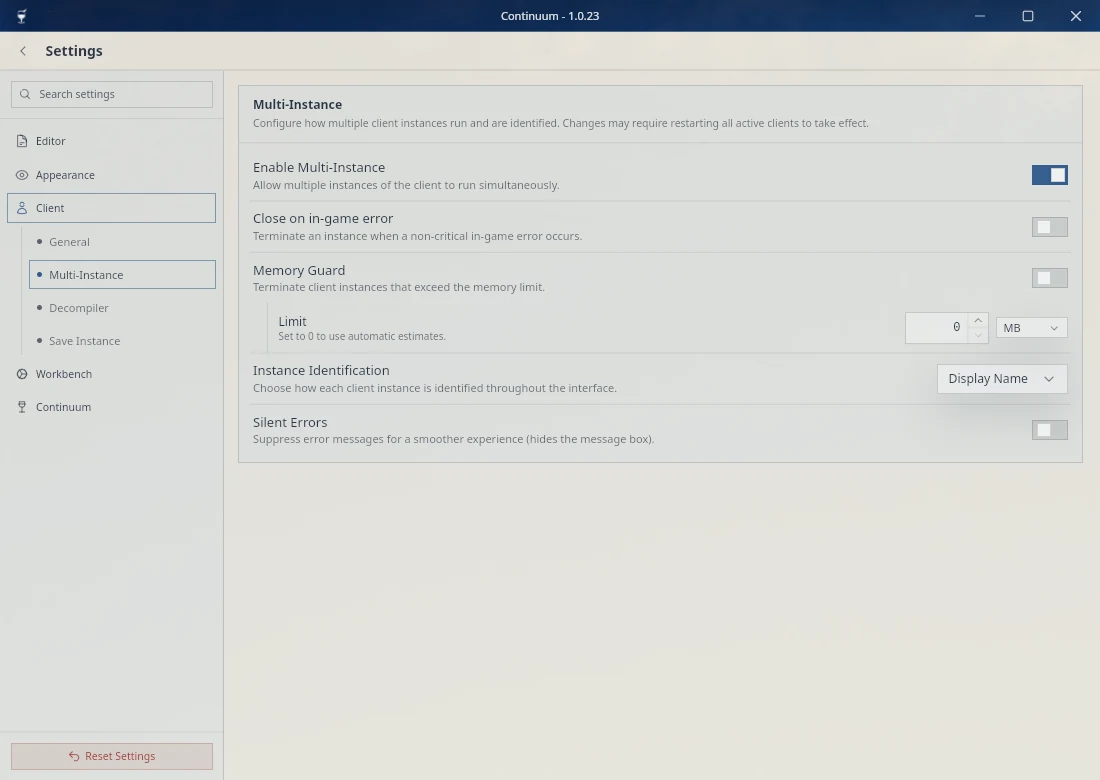
| Enable Multi-Instance | Lets several Roblox clients run at once | On |
| Close on in-game error | Closes a client when a non-critical in-game error occurs | Off |
| Memory Guard | Closes clients that use more memory than Limit, in MB or GB. A limit of 0 lets Volt estimate one | Off |
| Instance Identification | How instances are named in Volt: Process ID (PID), Username or Display Name | Display Name |
| Silent Errors | Hides Roblox's error message boxes | Off |
Decompiler
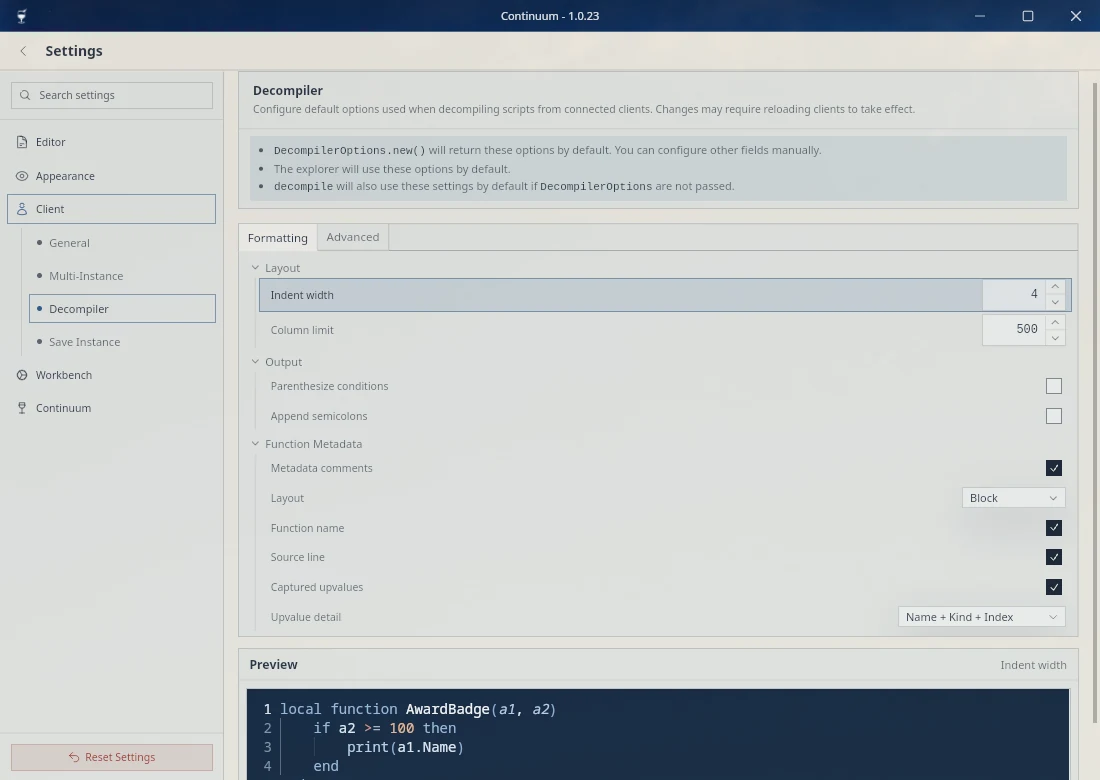
The defaults for decompile and the internal UI's explorer; a script can still pass its own options with DecompilerOptions.new(). The Preview at the bottom shows a sample decompiled with the current options, so you can see each change as you make it.
Formatting:
| Option | What it does | Default |
|---|---|---|
| Indent width | Spaces per indentation level, 1 to 12 | 4 |
| Column limit | Where long lines wrap, 0 to 1000 | 500 |
| Parenthesize conditions | if (x) then instead of if x then | Off |
| Append semicolons | Ends statements with ; | Off |
| Metadata comments | A comment on each function with what is known about it | On |
| Layout | Those comments as a Block above the function or Inline | Block |
| Function name, Source line, Captured upvalues | What the comments include | On |
| Upvalue detail | Name, Name + Kind, or Name + Kind + Index | Name + Kind + Index |
Advanced:
| Option | What it does | Default |
|---|---|---|
| Smart Variable Renamer | Names variables by what they seem to hold | On |
| Function Declarations | local function f() instead of local f = function() where possible | On |
| Guard Clauses | Turns some nested checks into early returns | On |
| Constant Folding | Replaces constant arithmetic with its result | On |
| Conditional Structurer | Untangles complex if/else chains | On |
| Do Block Insertion Threshold | When to add do … end blocks to contain temporary variables | 0 |
Save Instance
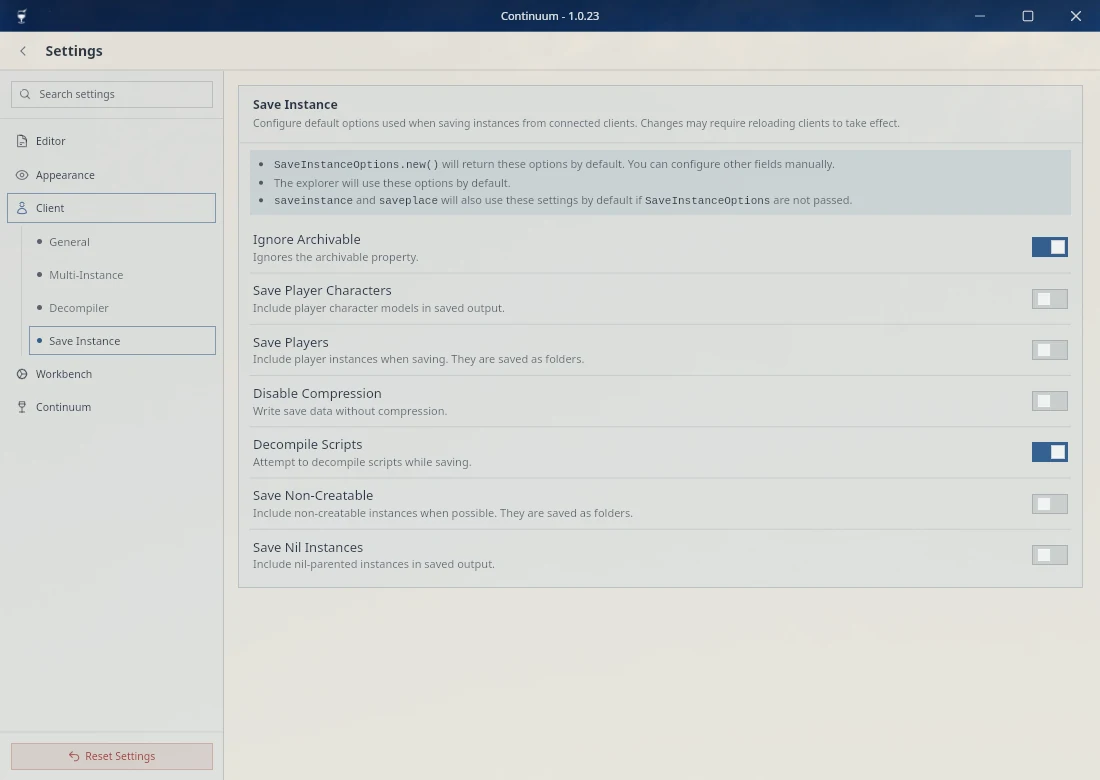
The defaults for saveinstance and saveplace; a script can pass its own with SaveInstanceOptions.new().
| Option | What it does |
|---|---|
| Ignore Archivable | Saves instances even when their Archivable property is off |
| Save Player Characters | Includes players' character models |
| Save Players | Includes the Player instances, as folders |
| Disable Compression | Writes the file uncompressed |
| Decompile Scripts | Decompiles scripts into the saved file |
| Save Non-Creatable | Includes instances that cannot normally be created, as folders |
| Save Nil Instances | Includes instances with no parent |